Link preview not showing an image? How to fix WhatsApp and LinkedIn previews
Does your link show up on WhatsApp, LinkedIn, Facebook or X without an image or with the wrong title? Open Graph tags, the right image size and how to refresh the cache.
- Reading time
- 4 min
- Sections
- 5
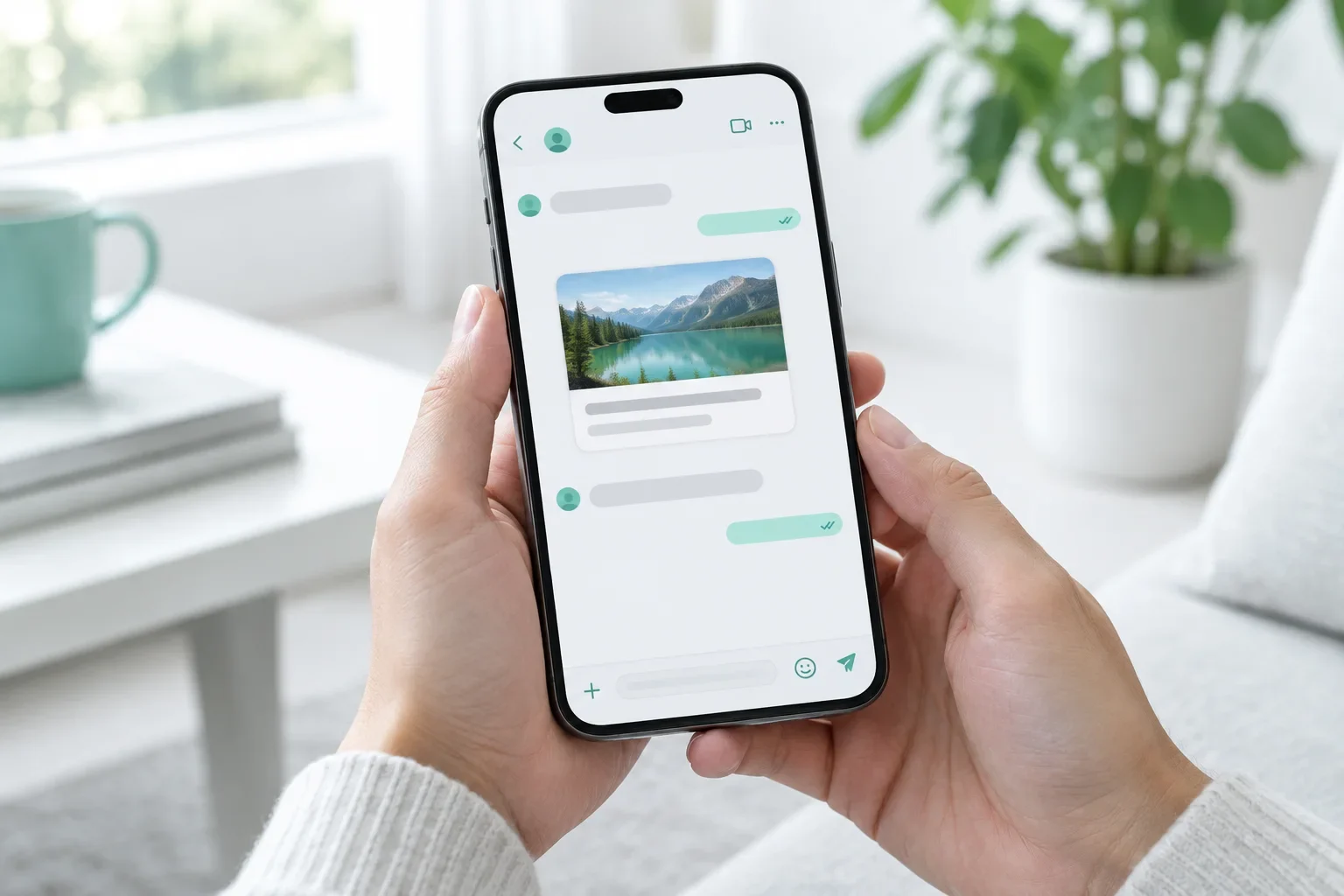
Short answer: when a link is shared, WhatsApp, LinkedIn, Facebook and X open your page with their own bots and read its Open Graph tags. When no image appears, one of four causes is usually behind it: there is no og:image tag, the image address is not a full URL, the image is too large or the wrong size, or the platform is still showing a cached preview. This guide shows how to fix each one.
The link preview is the shop window of a shared link. A preview with an image and the right title gets far more clicks; an empty grey box or an unrelated picture costs trust. And it is the tags on your site, not you, that decide what the preview shows.
Which tags make up the preview?
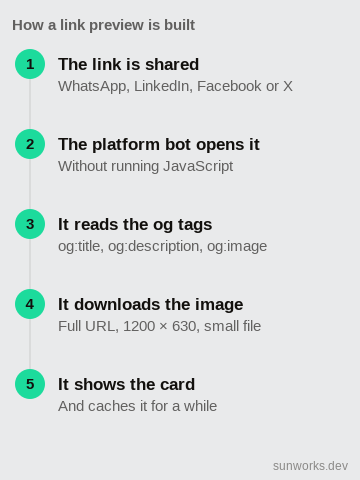
The preview card comes from the Open Graph tags in the page's head:
- og:title: the card's title. Without it, the page's title tag is used.
- og:description: the short description under the title.
- og:image: the card's image. This is the tag that causes the most trouble.
- og:url: the page's canonical address.
- twitter:card: for a large image card on X, set it to summary_large_image.
These tags must be in the HTML the server sends. Platform bots do not run JavaScript; sites that add the tags in the browser show an empty preview.
Why is the image missing?
The most common causes and their fixes:
- There is no og:image tag. Give every page at least the site's default share image. On WordPress, SEO plugins make this easy.
- The image address is not a full URL. Write https://yourdomain.com/images/cover.jpg instead of /images/cover.jpg. Some platforms cannot read relative addresses.
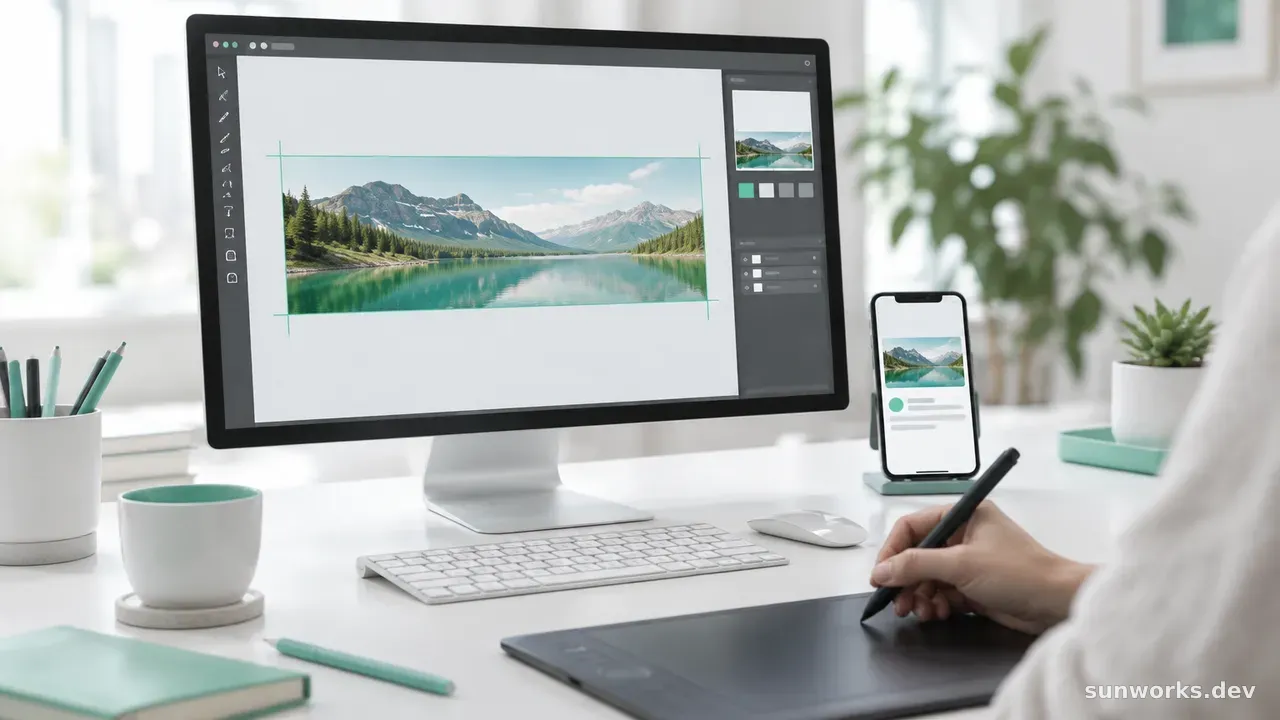
- The image is the wrong size. The recommended size is 1200 × 630 pixels (about 1.91:1). Very small images are shown as a small card or not at all.
- The file is too large. Images of more than a few hundred KB may not be shown, especially on WhatsApp. Compress them as JPG or WebP.
- The bot is blocked. If a firewall or bot protection blocks the Facebook, LinkedIn and WhatsApp bots, no preview is built. Make sure these bots can reach the page and the image.
- The page returns an error or a long redirect chain. The shared address should open directly with a 200 status code.
When the platform shows an old preview
Platforms cache previews for a while. After you fix the tags, the old card may keep appearing. To refresh the cache:
- Facebook and WhatsApp: enter the address in the Sharing Debugger and choose "Scrape Again".
- LinkedIn: have the address re-read with the Post Inspector.
- Quick fix: adding a parameter such as ?v=2 to the address makes the platform read the page as a new URL.
Checklist
- Every page has og:title, og:description and og:image.
- og:image is a full address starting with https.
- The image is around 1200 × 630 pixels and the file is small.
- twitter:card is set to summary_large_image for X.
- The tags are in the HTML the server sends.
- Platform bots are not blocked in the security settings.
- The cache was refreshed after the change.
Frequently asked questions
What is the best size for a share image?
An image of 1200 × 630 pixels, about 1.91:1, displays well as a large card on WhatsApp, LinkedIn, Facebook and X. Keep important text and logos in the middle, away from the edges; some platforms crop the image.
I fixed the tags, so why does the old image still appear?
The platform is caching the preview. Have the page re-read with the Facebook Sharing Debugger and the LinkedIn Post Inspector, or share the address with a parameter such as ?v=2 added.
Why does WhatsApp show no image when other platforms do?
WhatsApp may skip the preview for large files and slow pages. Compress the image to reduce the file size, use a full address and make sure the page loads quickly.
Can I see how my link will look before I share it?
Yes. Our link preview checker shows how your page will look on WhatsApp, LinkedIn, Facebook, X and Google, and checks missing tags, image size and file size for free. For correct previews across every page of your site, see our SEO and GEO ready website service.